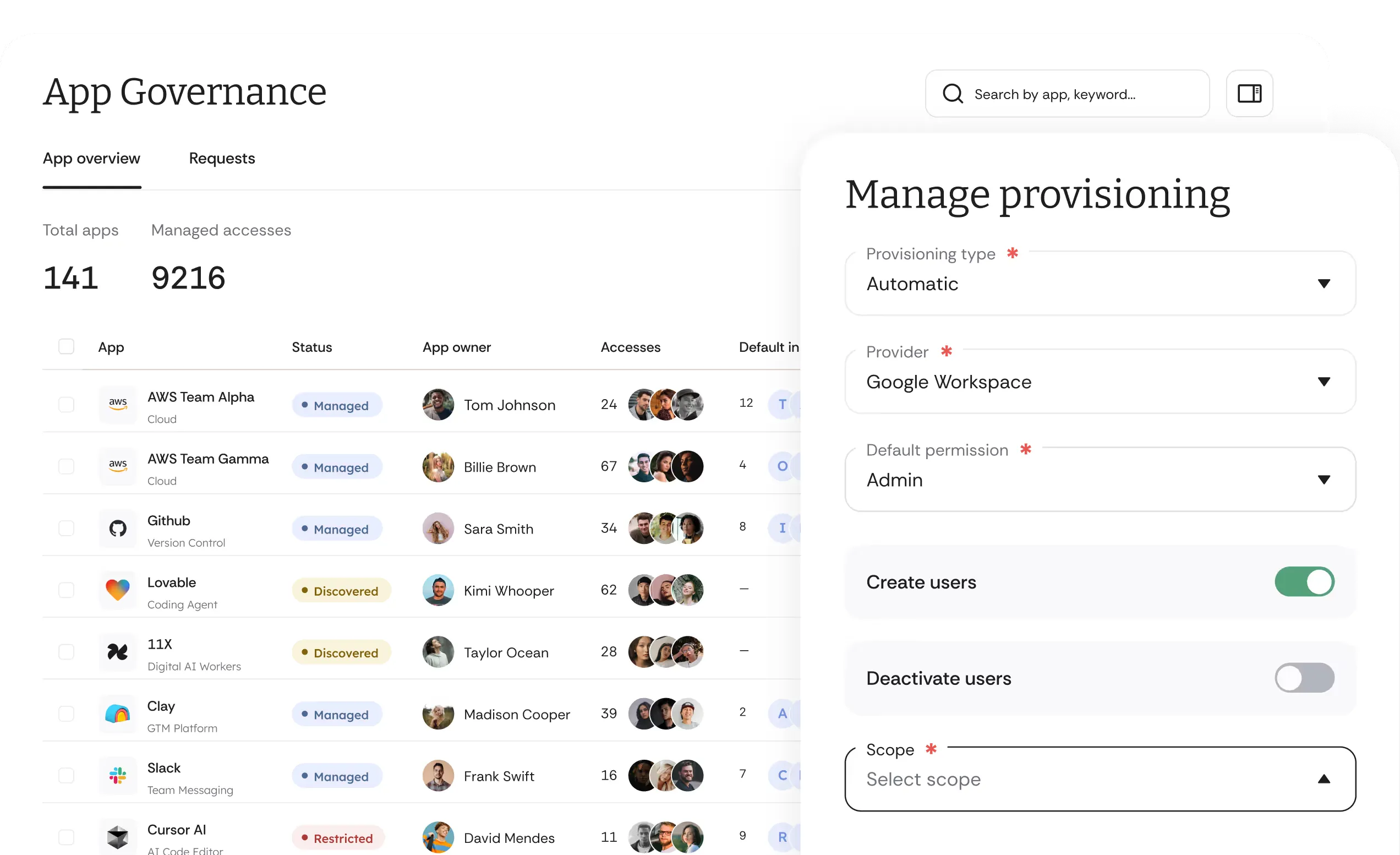
Cakewalk Browser Extension
for Firefox
If your company is using Cakewalk, you can download the Browser Extension here:

How Does the Cakewalk
Browser Extension Work?
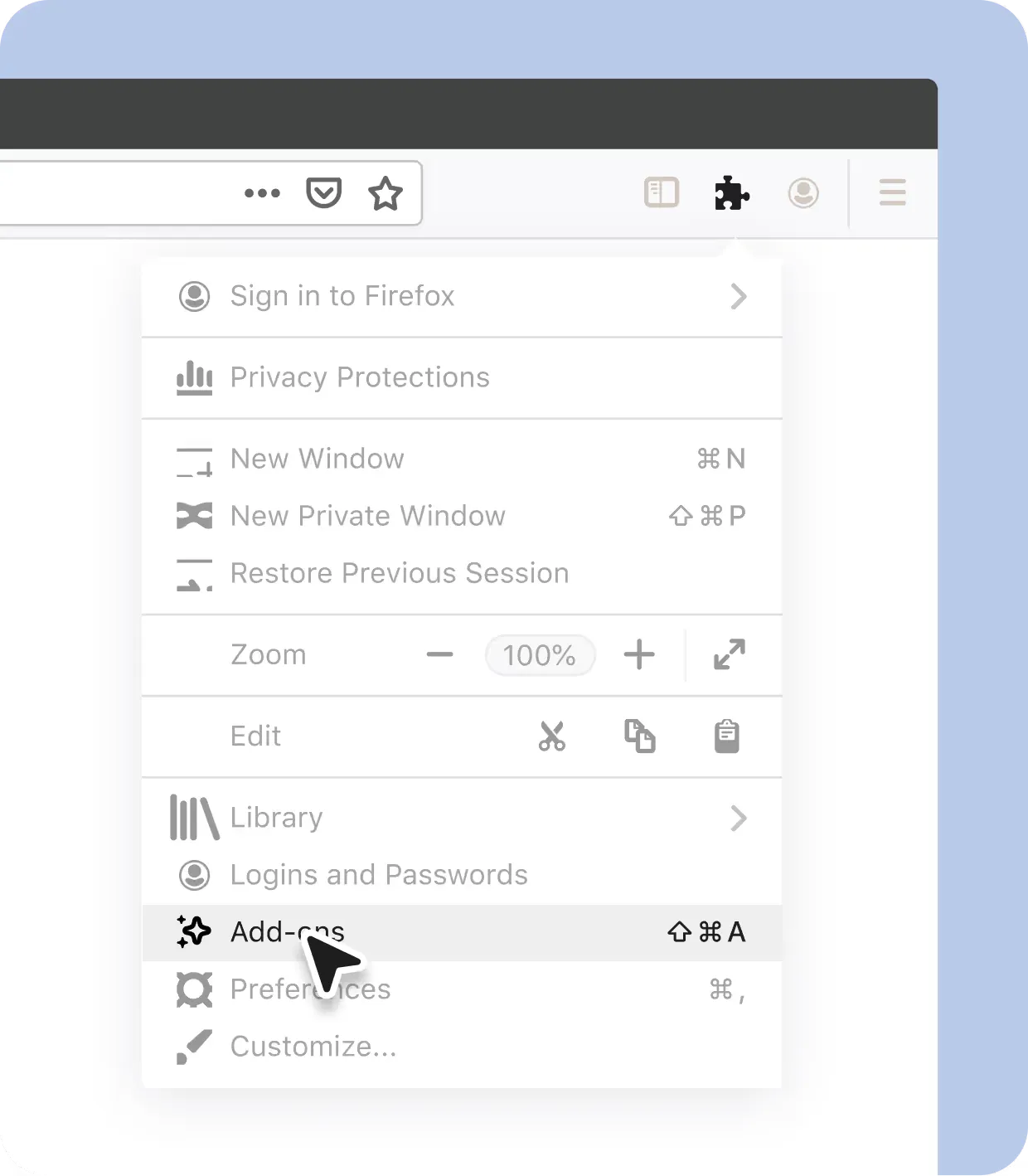
Install Extension.
Once you have a Cakewalk account at your company, install the Cakewalk Browser Extension.

Automatic App Syncing.
Automatically sync your existing apps with your company's app directory.
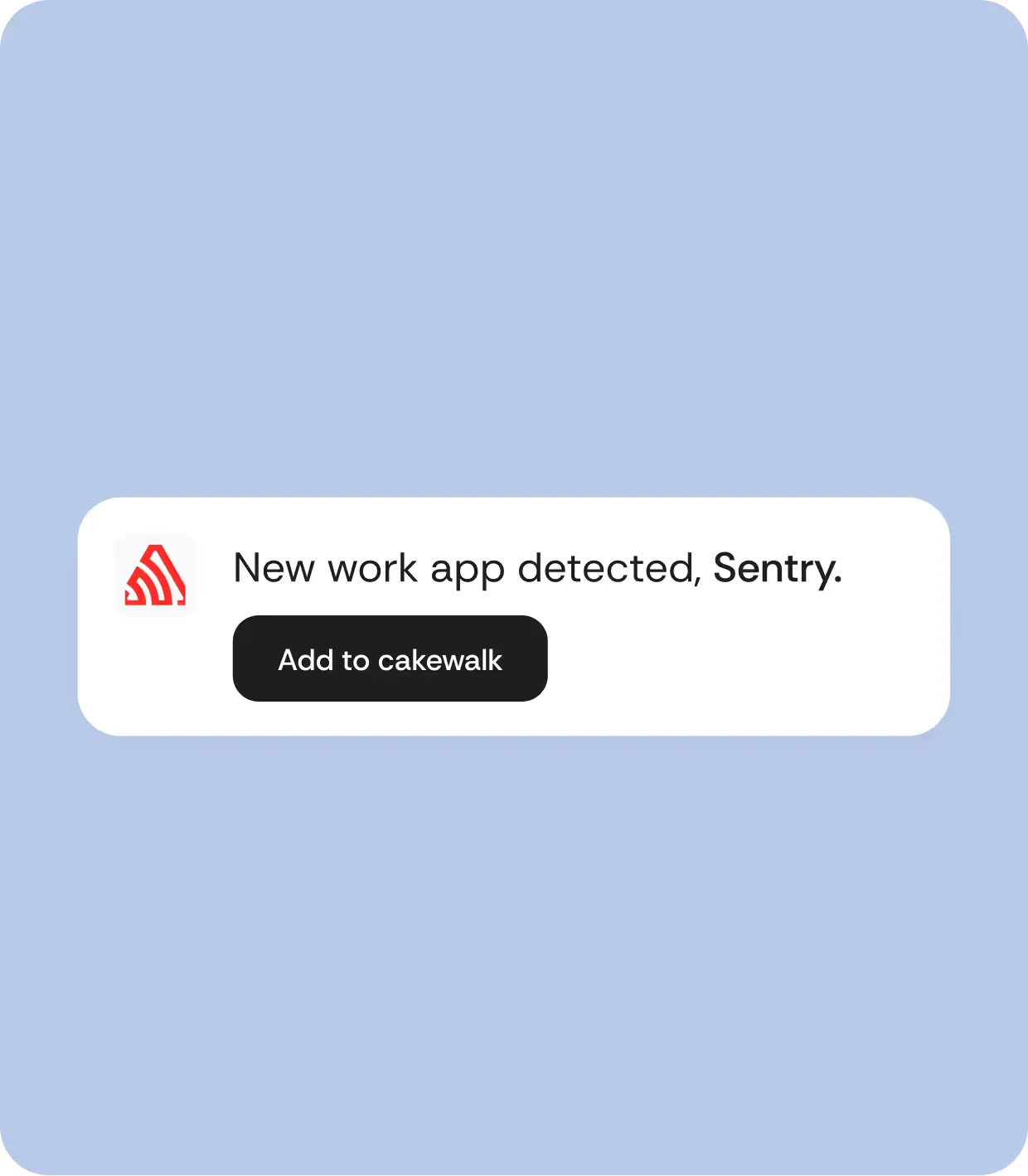
Introduce New Apps.
Easily introduce new apps to your company's app directory.
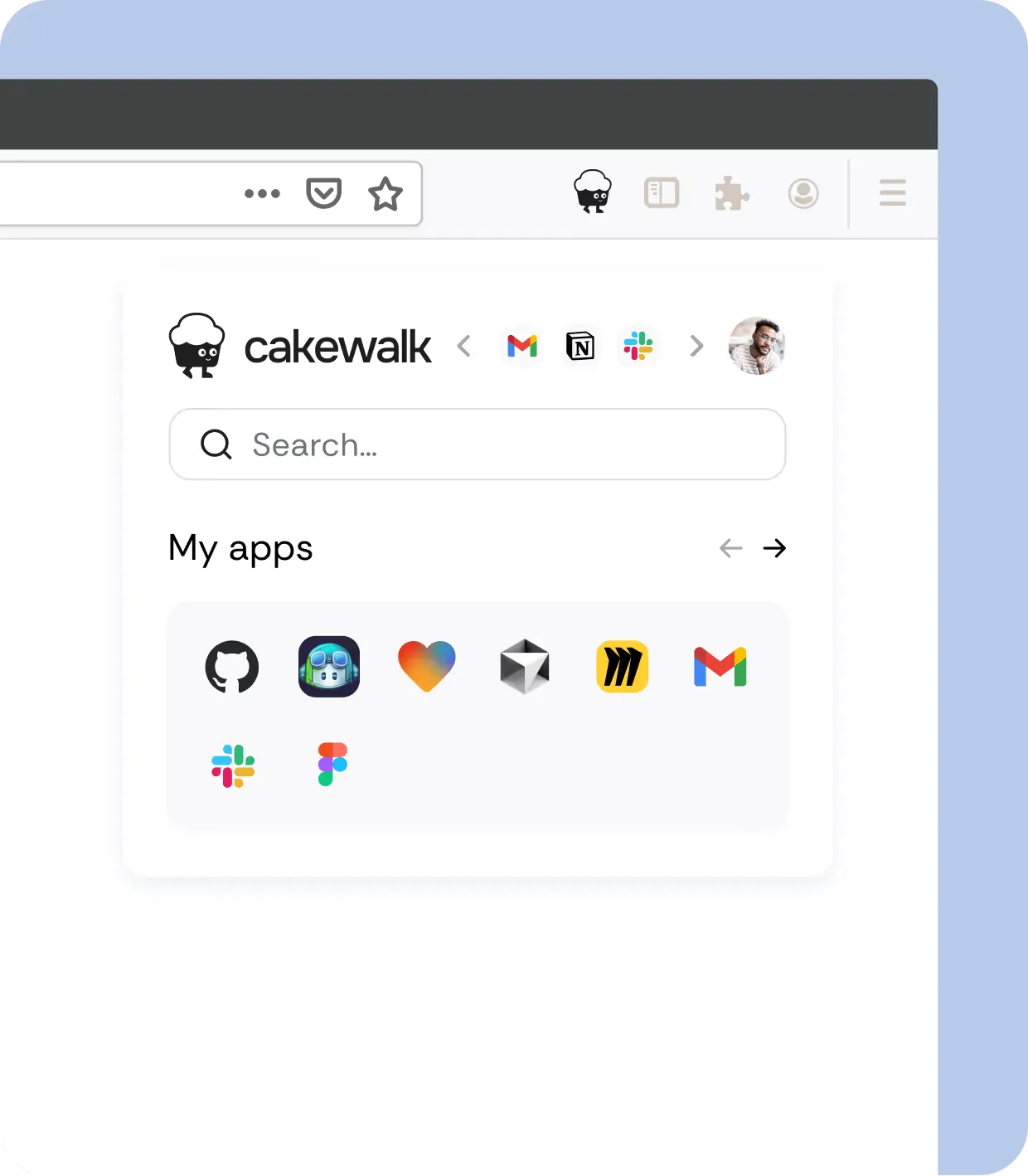
Complete Tasks.
Open your favorite apps directly from the extension.