


Role-based access control (RBAC)
Enforce Role-Based Access Control for Every Team
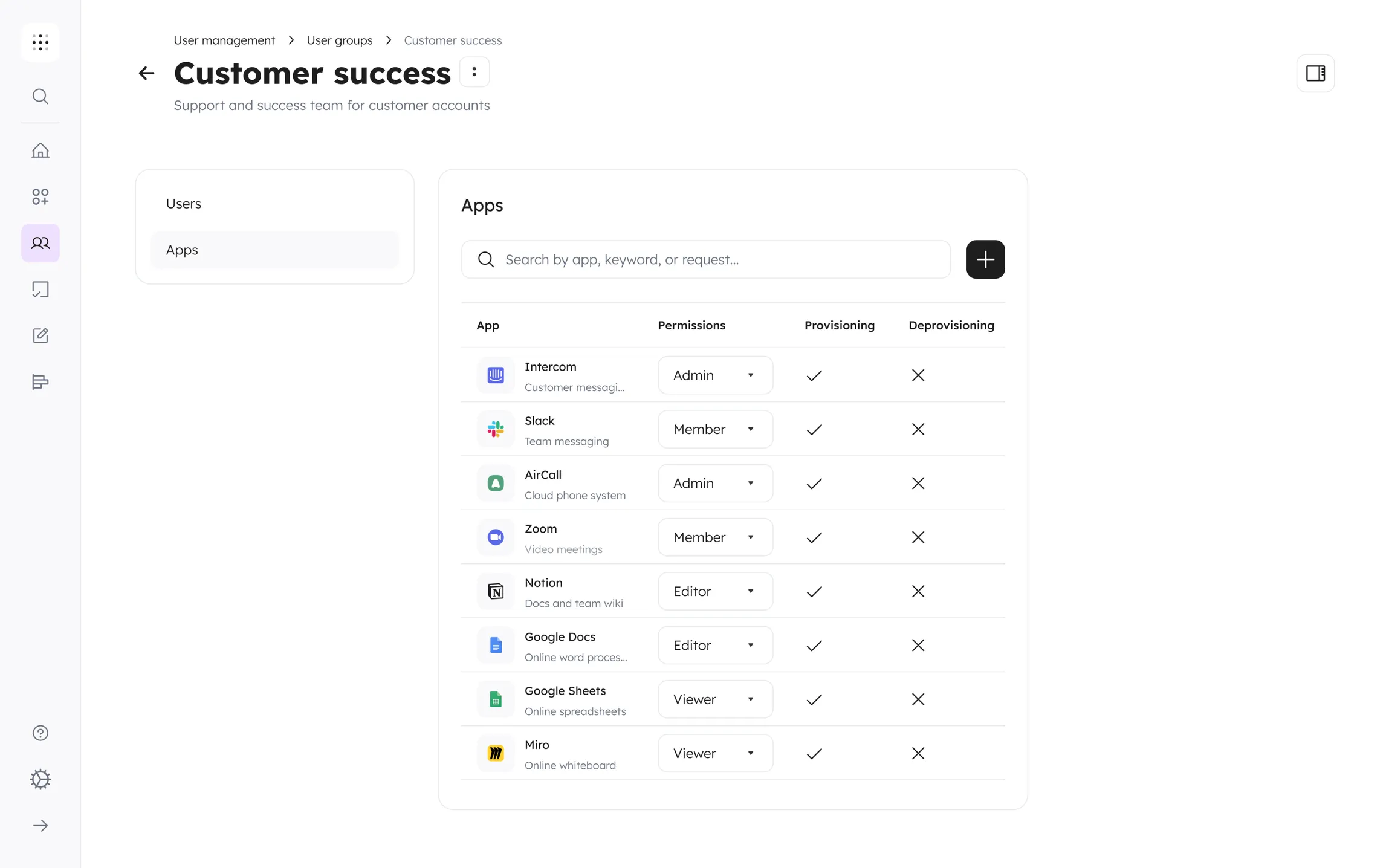
Cakewalk's role-based access control ties every team's apps and permission levels to the groups your company already keeps in its identity provider (IdP). So people hold the access their current role needs, and your company can show an auditor why they have it.

New hires inherit someone else's access
Copying a colleague hands a new hire everything that person collected over the years. IT digs through accounts to decide what to copy, and the new hire still starts with more access than the job needs.
Access piles up as people move
Nobody owns removing old apps when people change teams, so least privilege erodes with each move. A single stolen account then opens data from teams its owner left long ago.
Nobody can say why someone has an app
With a group for every app and seat type in your company's IdP, the reason behind each access gets lost. Auditors ask for it, and reviewers approve access they cannot judge.
What you get
Set Access Once per Role and Let Cakewalk Keep It Current
How it works
Map Your Teams Once and Let Access Follow
Groups from your company's IdP
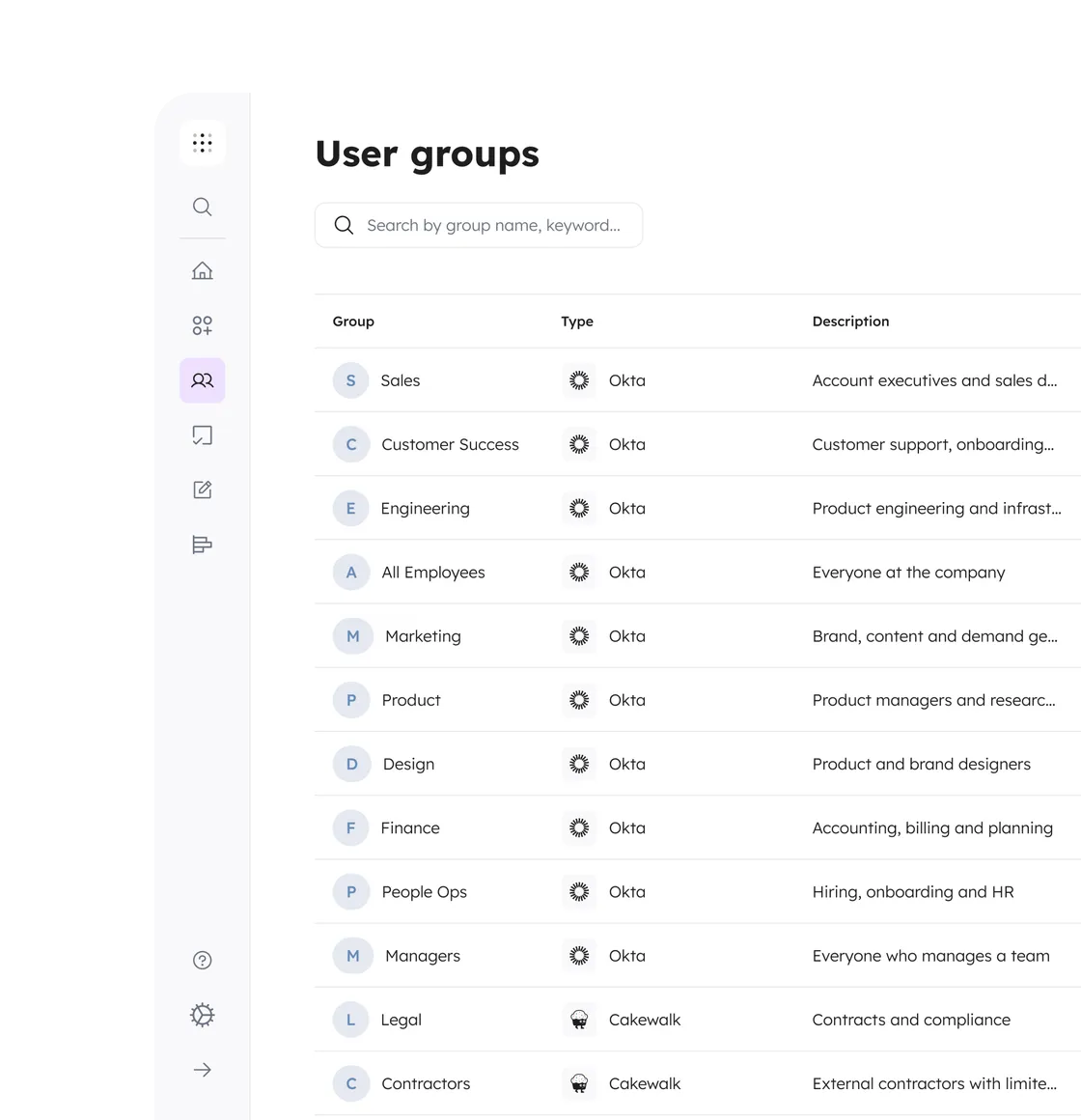
Import groups from Okta, Microsoft Entra ID or Google Workspace.
3 IdPs
Okta, Google, Microsoft
74 apps ready for our provisioning agents
74 apps
Slack, Linear, AWS


Related features
Extend Role-Based Access to Requests, Reviews and AI Agents
Access Requests
Let people request what their role does not include.
User Access Reviews
Check that each person's access still fits their role.
Agent Access Management
Let the same groups decide which apps their AI agents may use.

Need to Talk Through Something Specific?
Contact UsCan we add an app to a group without giving it to everyone at once?
Yes. Before a new default app goes to the people already in a group, Cakewalk shows how many Grant Access requests it would create. You then decide whether current members get the app now, and people who already have it keep their permission level. Apps your company's identity provider (IdP) provisions through the group come with the group itself.
Can Cakewalk use the groups we already have?
Yes. Cakewalk imports the groups from Okta, Microsoft Entra ID or Google Workspace and keeps them in sync with your company's identity provider (IdP). You can also create groups in Cakewalk.
Does access end when someone leaves a group?
Yes. Cakewalk requests removal of the group's default apps and keeps any app another of the person's groups still grants or that the person owns. The removal needs no approval, and apps outside Auto-Provisioning, which removes accounts without manual IT work, get a task for the person your company's access policy names.
Can people get extra access for a set time?
Yes. With Time-Based Access, people request an app for a set period. Cakewalk starts the removal when the period ends.
Can a group grant a specific permission level?
Yes. Each app a group gets by default can carry a permission level, such as Editor for designers and Viewer for sales. When two of a person's groups grant the same app, the first grant sets the level. Apps your company's identity provider (IdP) provisions use the level set in their provisioning.
Does Cakewalk support attribute-based access control (ABAC)?
Yes, through dynamic groups. Cakewalk syncs the dynamic groups in your company's identity provider (IdP), which fill by rule from attributes such as department or location. Each group then gets its default apps, so access follows those attributes.
Need to Talk Through Something Specific?
Contact Us
We start with a call about your setup
In a first call, we look at the AI agents and apps that already run in your company and where their access sits. We help you sort out the agent chaos and the scattered access, and together we find out whether Cakewalk fits.
You try Cakewalk for free on your own stack
We connect Cakewalk to your company's real systems and hand it over. You'll quickly know if your team will use it.
If Cakewalk helps, we roll it out together
The same team you met in the first call stays with you while we onboard the rest of your company. After that, we meet your team for regular check-ins and support you whenever you need us.