


CUSTOMIZATION
Customize Cakewalk to Your Company's Needs
Cakewalk adapts to your company's existing processes, from how approvals run to the custom metadata on each app and the internal apps your company built. Track the data you need and build the workflows you need, so Cakewalk meets your company's access management requirements.

Every request waits for the same approvers
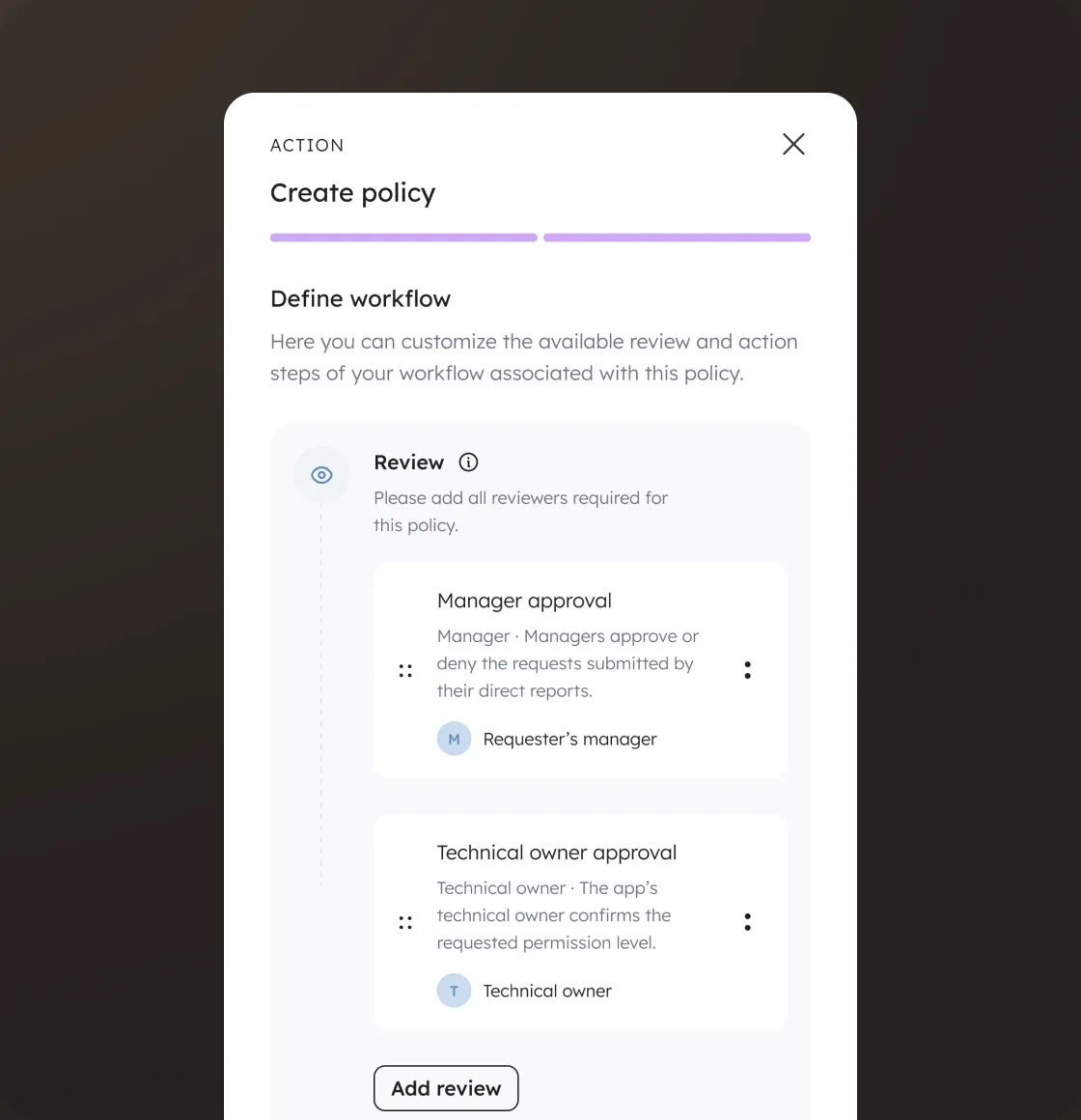
A request for a viewer seat needs the same sign offs as one for admin rights, and central IT becomes the bottleneck for every app. Requests stall for days, and approvers say yes to access they cannot judge.
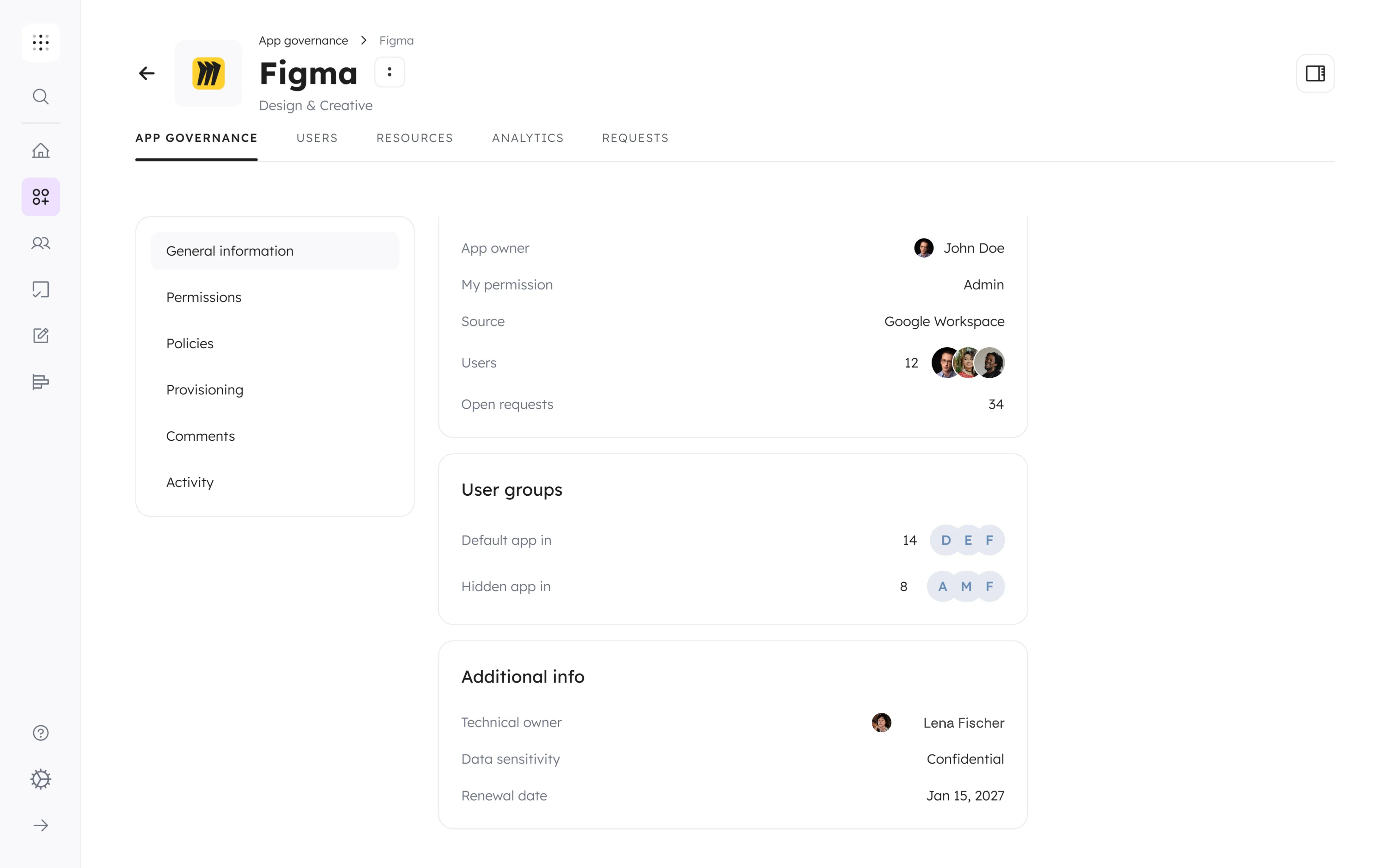
App metadata lives in spreadsheets nobody keeps up to date
Who owns each app, how sensitive its data is and when it renews sit in separate spreadsheets. Requests land with the wrong person, and audits start with a hunt through those spreadsheets.
Internal apps sit outside approvals and the audit trail
Access to internal apps gets requested in chat and granted by hand, with no record of who approved it. The gaps show up only when an auditor asks.
HOW IT WORKS
Trace One Request Through Your Company's Process
Internal apps in the app catalog
Add the apps your company built itself to the app catalog, with their own permission levels, policies and metadata. People request them like any other app, and each request leaves a record.
Internal apps
Policies, metadata and a record
An Open API for deeper configuration
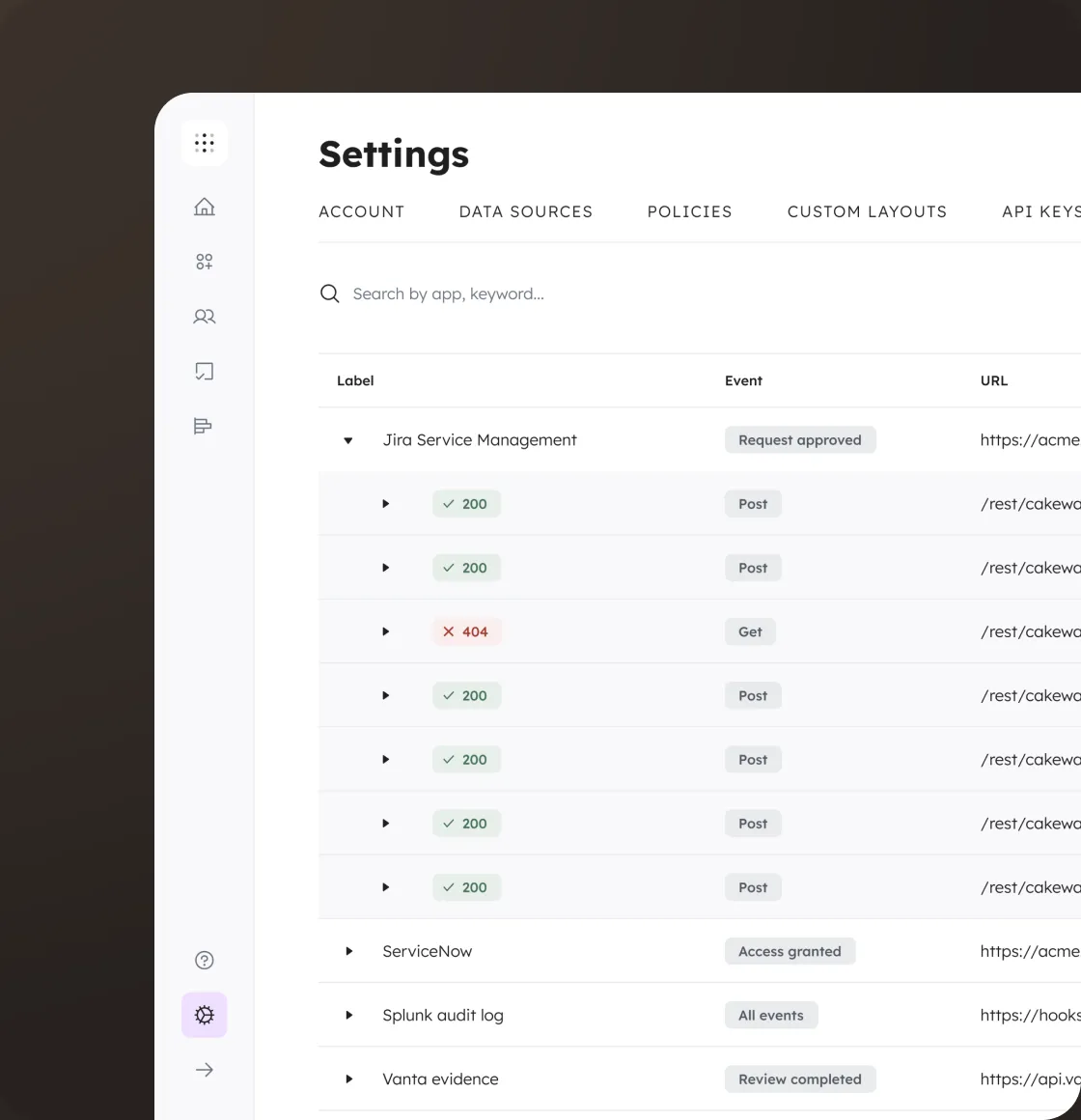
Configure Cakewalk from your company's own code: assign approval policies, update each app's metadata, manage group members and start access reviews, with API keys that only read or may also write.
Open API
Read-only or read and write keys
RELATED FEATURES
Use Your Company's Process Across Cakewalk
Access Requests
Let people ask for apps in the web app or Slack and get them through your company's policies.
Auto Provisioning
Turn each approved request into a working account without a ticket.
User Access Reviews
Scope each review by the metadata your company records on each app, such as data sensitivity.

Need to Talk Through Something Specific?
Contact UsCan low risk access be approved automatically?
Yes. A Cakewalk policy without review steps sends the request straight to provisioning. Access that comes with a person's group skips review the same way.
Can different apps and permission levels follow different approvals?
Yes. A Cakewalk policy can apply to all apps, to one app or to a single permission level, and Cakewalk uses the most specific one. A request for viewer access can need only a manager's approval, while a request for admin access also needs a security review.
Who can approve a request?
Each review step in a Cakewalk policy names its reviewers: admins, the app owner, the person's manager, privileged users, a user group, a specific person or a person named in the app's custom layout, such as its technical owner. Name several reviewers on a step and any one of them can approve it, so requests keep moving when someone is away.
What happens to requests when a policy changes?
In Cakewalk, editing a policy creates a new version. Requests already under way finish under the version they started with, so the audit trail shows the rule that applied.
What metadata can custom layouts hold?
Text, numbers, dates, select lists, people and calculated priority scores, grouped as your company likes. Each field can be limited to admins, app owners or app users, and every field comes along when the app list is exported.
Can people see an app's metadata before they request it?
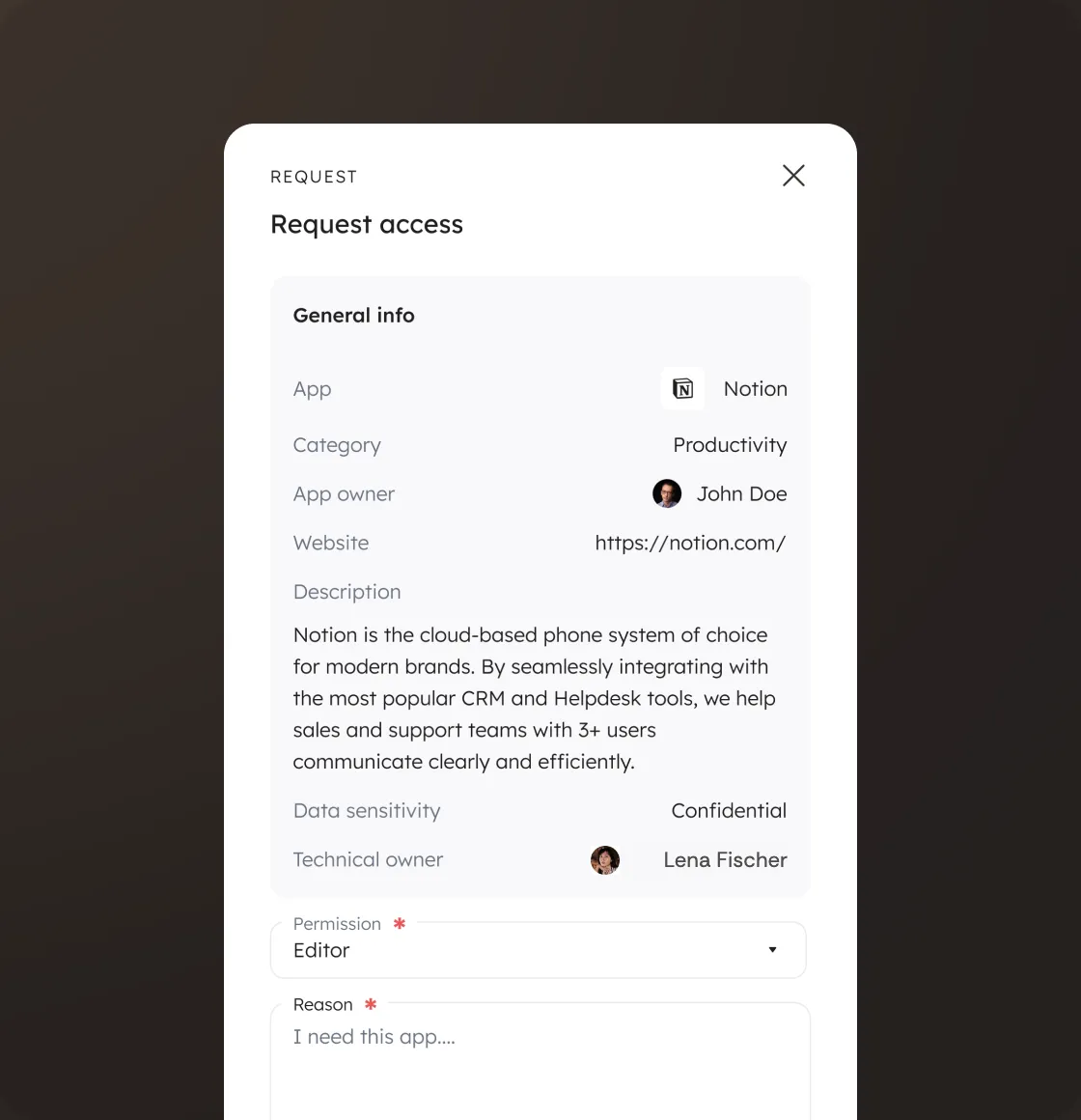
Yes. Cakewalk shows the metadata your company picks on the request form, such as data sensitivity or the app's technical owner. When someone asks for a new app, they fill in the fields your company needs, such as a business reason.
How do approved requests for internal apps get carried out?
When the provisioning step for an internal app is ready, Cakewalk sends a signed event to your company's systems, which confirm the step through the Open API. Otherwise the person your company's policy names completes the step in Cakewalk.
Need to Talk Through Something Specific?
Contact Us
We start with a call about your setup
In a first call, we look at the AI agents and apps that already run in your company and where their access sits. We help you sort out the agent chaos and the scattered access, and together we find out whether Cakewalk fits.
You try Cakewalk for free on your own stack
We connect Cakewalk to your company's real systems and hand it over. You'll quickly know if your team will use it.
If Cakewalk helps, we roll it out together
The same team you met in the first call stays with you while we onboard the rest of your company. After that, we meet your team for regular check-ins and support you whenever you need us.