


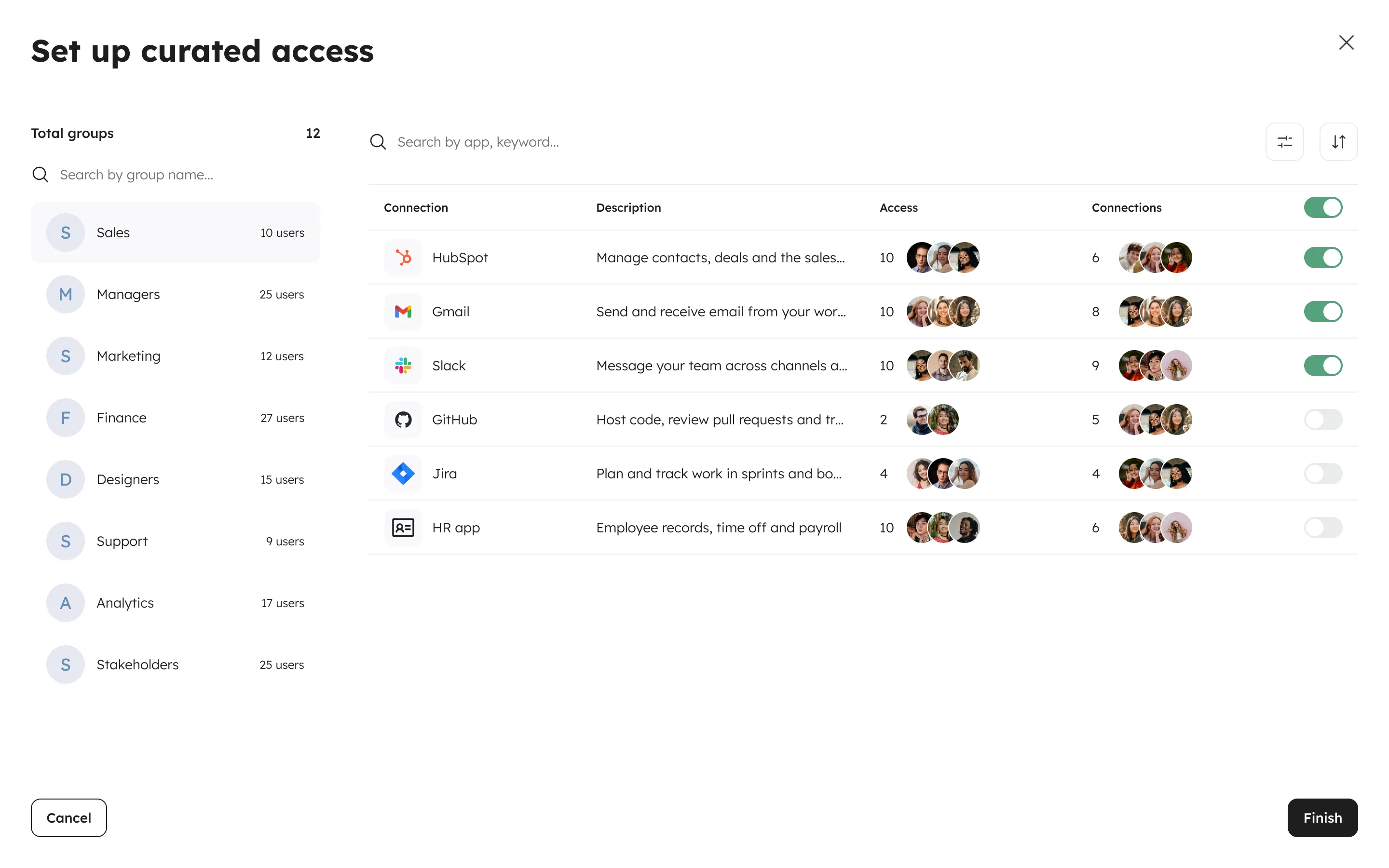
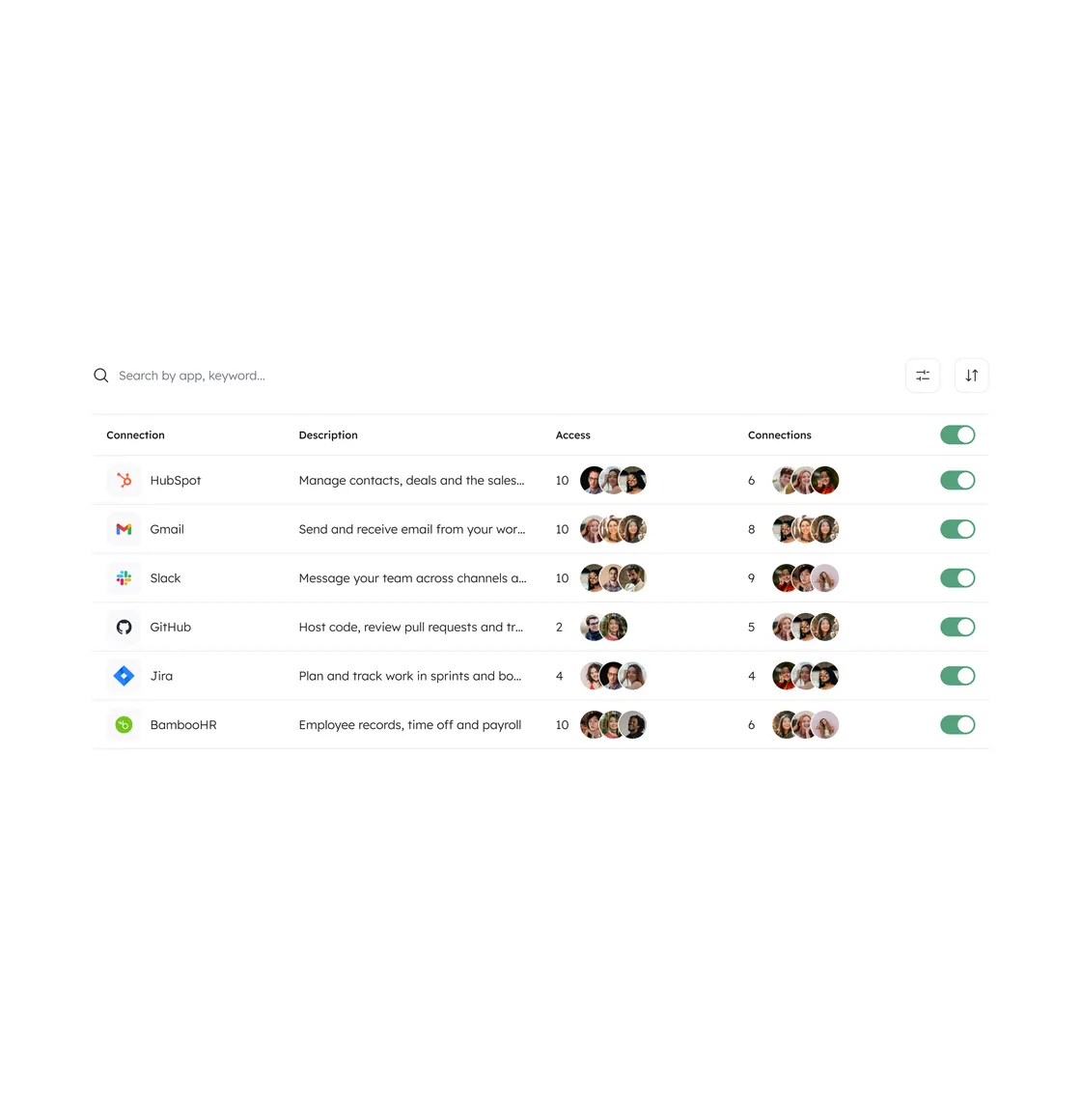
Cakewalk reads the groups from your HRIS or IdP. When an admin switches on team-based access in the Cakewalk settings, each group gets its own list of allowed apps. A person's agents can then only connect to the apps on the lists of that person's groups. Joining a group adds that group's apps. Leaving a group takes away the apps no other group of theirs allows. Cakewalk pauses those connections instead of deleting them, so they work again once the person is allowed back. People keep their own access to every app. The lists only decide which apps their agents may connect to.
Team-based Connections
Control Which Apps AI Agents Can Use, Team by Team
With Cakewalk, you govern which apps each team's agents can access. When someone moves teams, their agents get the new team's apps with the next sync.

Shadow IT for Agents
Maria can connect her agent to any app she has a login for, from HubSpot to the code repository. Nobody decided whether her agent belongs there.
Sensitive Apps for Every Agent
Someone in HR can open every salary record, and someone in accounting can open the company bank account. Their agents should not get that access too, just because the person has it.
One List per Person
Keeping a separate list of allowed apps for every person means an update each time someone joins, moves or leaves. The list falls behind with the first team change.
How it works
Your Directory Groups Decide Which Apps Agents See
Guarantees
Answer the Questions Your Security Team Will Ask
Your Directory Stays the Source
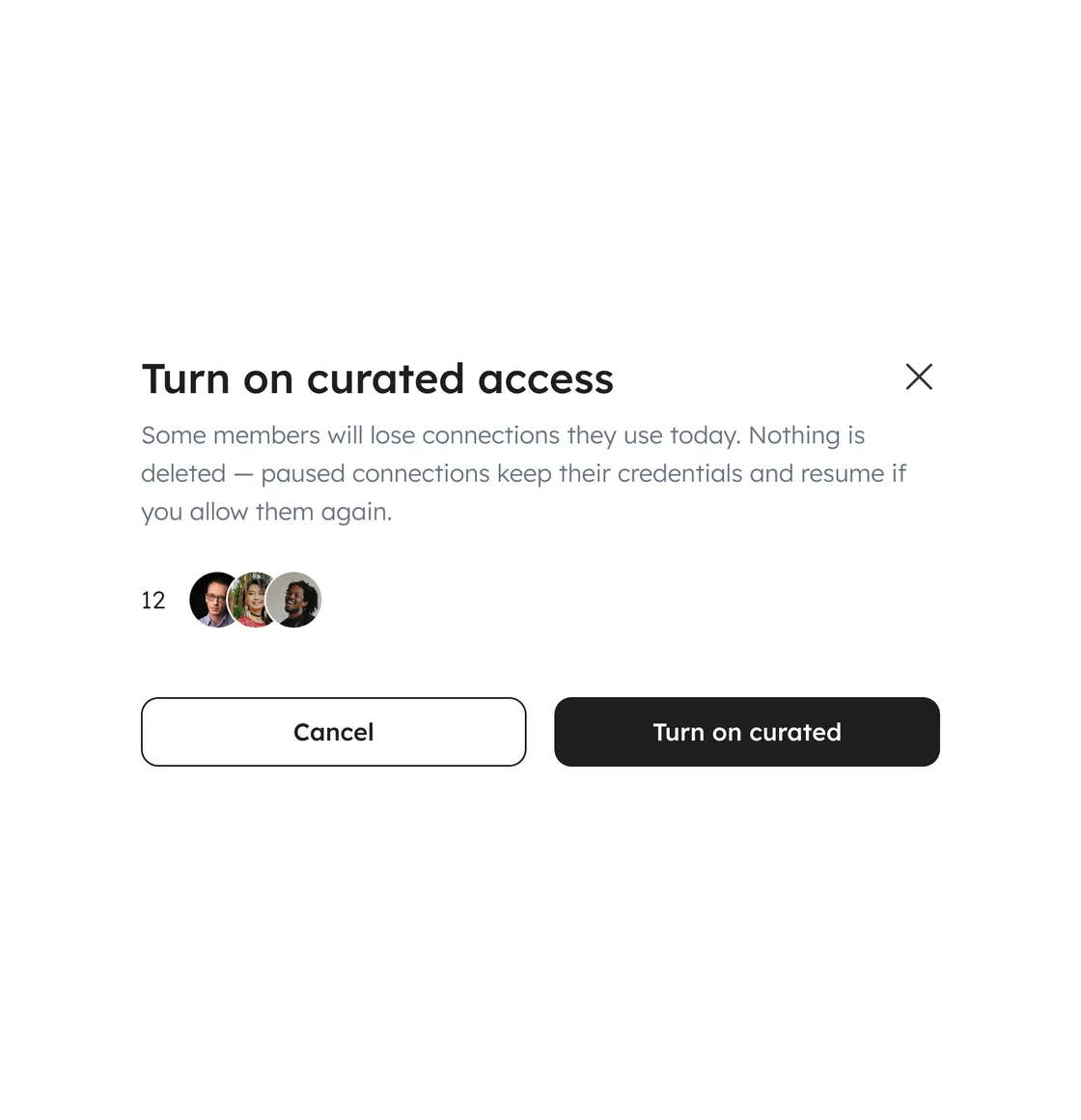
Cakewalk takes group membership straight from your HRIS or IdP and never writes it back, so your directory stays the one source. Before a change takes effect, Cakewalk shows who it would affect.
Read-only sync
Never writes back
Paused Connections Stay Locked
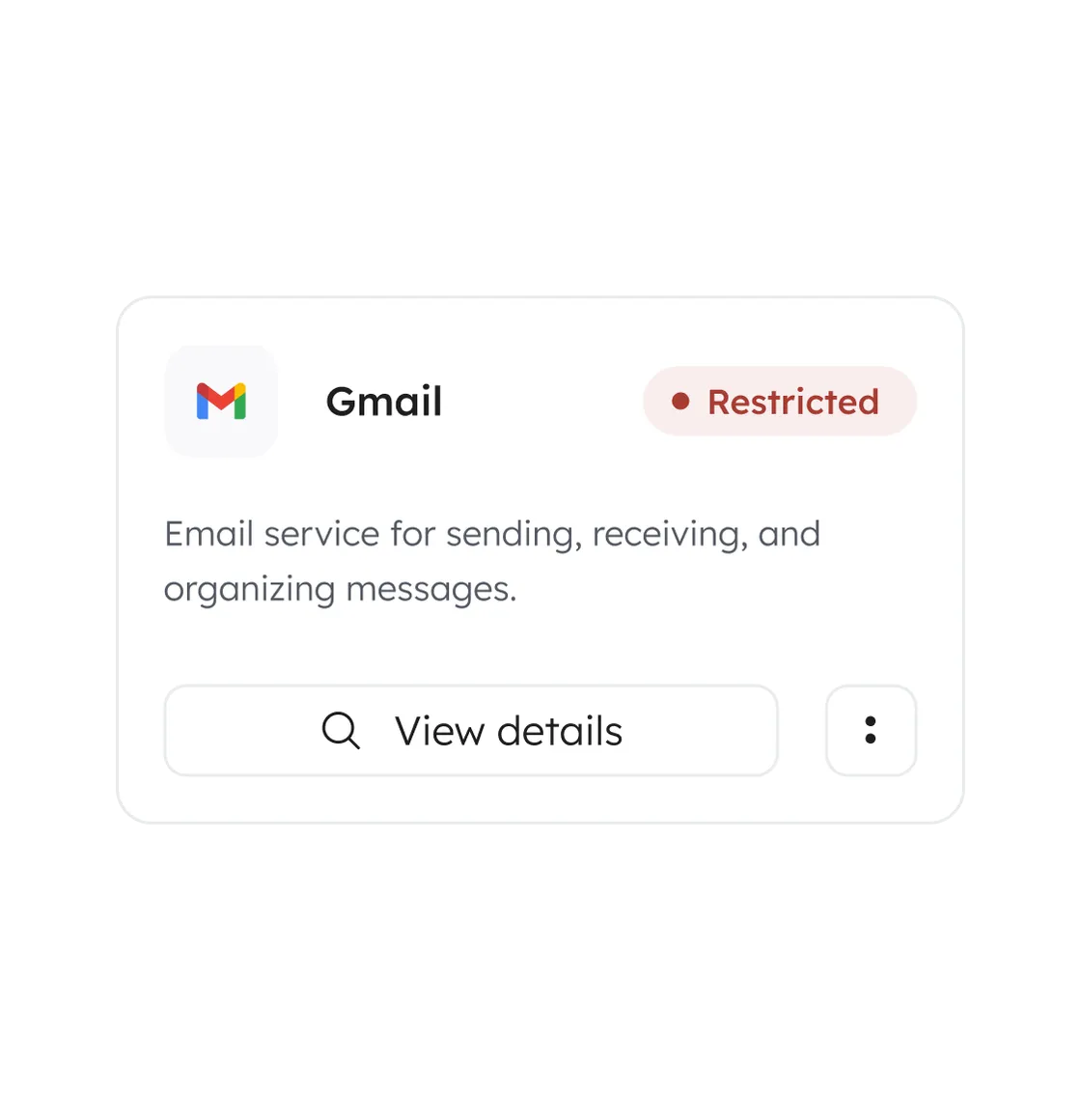
A paused connection keeps its credential in Cakewalk's vault. The person's agents cannot use it until their group gets access again. Agents never hold the credential themselves.

ISO 27001
Certified
Every App in the Catalog
Team-based access works for every app in the Cakewalk catalog and for your own MCP servers. Every new connection gets its groups when someone adds it.
Catalog apps
your MCP servers


Related features
More Ways to Control Agent Access
Attribute-based Access
Set different policies for different people, based on department, title, team and location.
Least Privilege
Give AI agents only the access their task needs.
Instant Session Termination
Stop all of a person's agent activity with one action.
FAQ
Q&A

Need to Talk Through Something Specific?
Contact UsDoes anyone lose access when we switch this on?
Only if you decide so. Cakewalk proposes a starting point that keeps every app a group already uses, and before you confirm, it shows anyone a change would affect.
What happens when someone moves teams?
Their agents get the new team's apps with the next sync. Apps that only the old team allowed are paused, not deleted.
Can someone belong to several teams?
Yes. A person gets every app that any of their groups allows. Joining a group only ever adds apps.
What happens to people who are in no group?
They see no apps until they join one. Cakewalk flags them in the setup and on the Users page, and the fix happens in your HRIS or IdP, which Cakewalk picks up with the next sync.
Can employees get around it?
No. A person cannot resume or reconnect a paused connection. Only a change to what their groups are allowed brings it back.
Can we keep some apps away from all agents?
Yes. An app that no group allows is not available to any agent, even when people have their own login for it.
Does this change what people can do in the app themselves?
No. People keep their own access to every app. Team-based access only decides which apps their agents may connect to.
Need to Talk Through Something Specific?
Contact Us
We start with a call about your setup
In a first call, we look at the AI agents and apps that already run in your company and where their access sits. We help you sort out the agent chaos and the scattered access, and together we find out whether Cakewalk fits.
You try Cakewalk for free on your own stack
We connect Cakewalk to your company's real systems and hand it over. You'll quickly know if your team will use it.
If Cakewalk helps, we roll it out together
The same team you met in the first call stays with you while we onboard the rest of your company. After that, we meet your team for regular check-ins and support you whenever you need us.