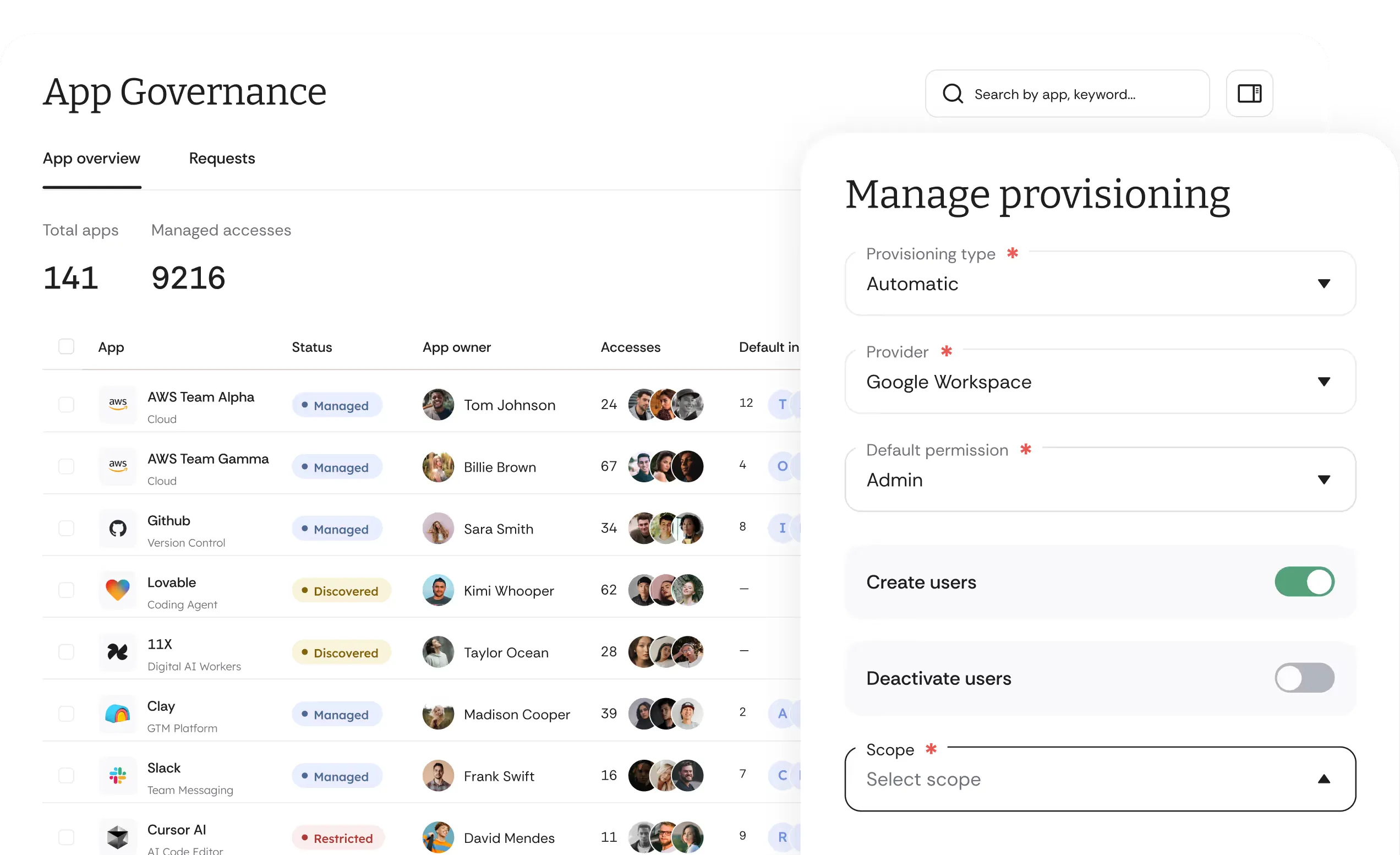
Chat With Agent Cake Directly in Slack and Get the Access You Need
If your company is using Cakewalk, you can install the Cakewalk app for Slack here:

The Cakewalk app uses AI. Responses can be inaccurate or incomplete. Review important answers before acting on them. A paid Slack plan is required to chat with the Cakewalk app in Slack's AI agent container. Other Cakewalk features still work on free Slack plans.
How Does Cakewalk for Slack Work?
Your company can invite Cakewalk to any existing channel or a newly created one (e.g. your IT channel or your access management channel)
You can tag and send @Cakewalk a message (e.g. "I need access to Figma @Cakewalk")
You can also interact with the Cakewalk app in Slack’s “Apps” section
What Use Cases Are Supported by Cakewalk in Slack?
Request Access for Yourself.
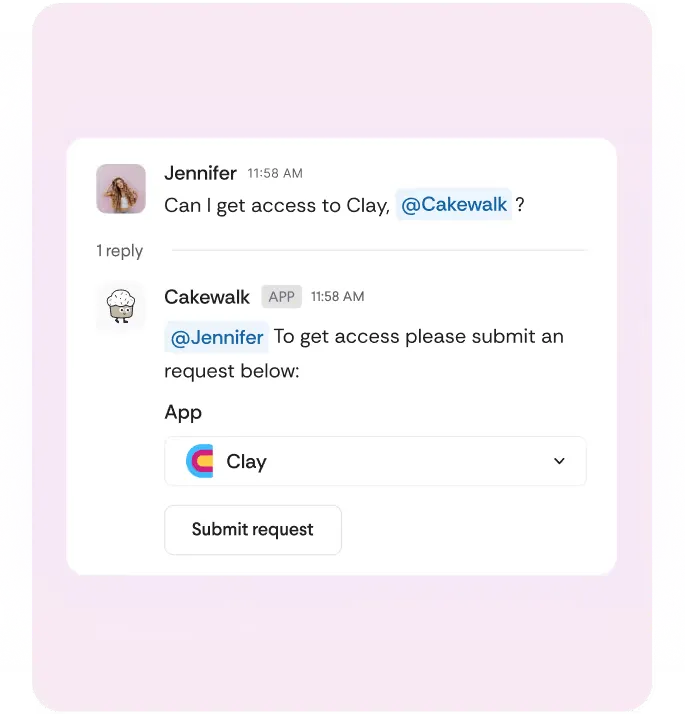
Simply send a message e.g. "I need access to Figma @Cakewalk."
Request Access for Others.
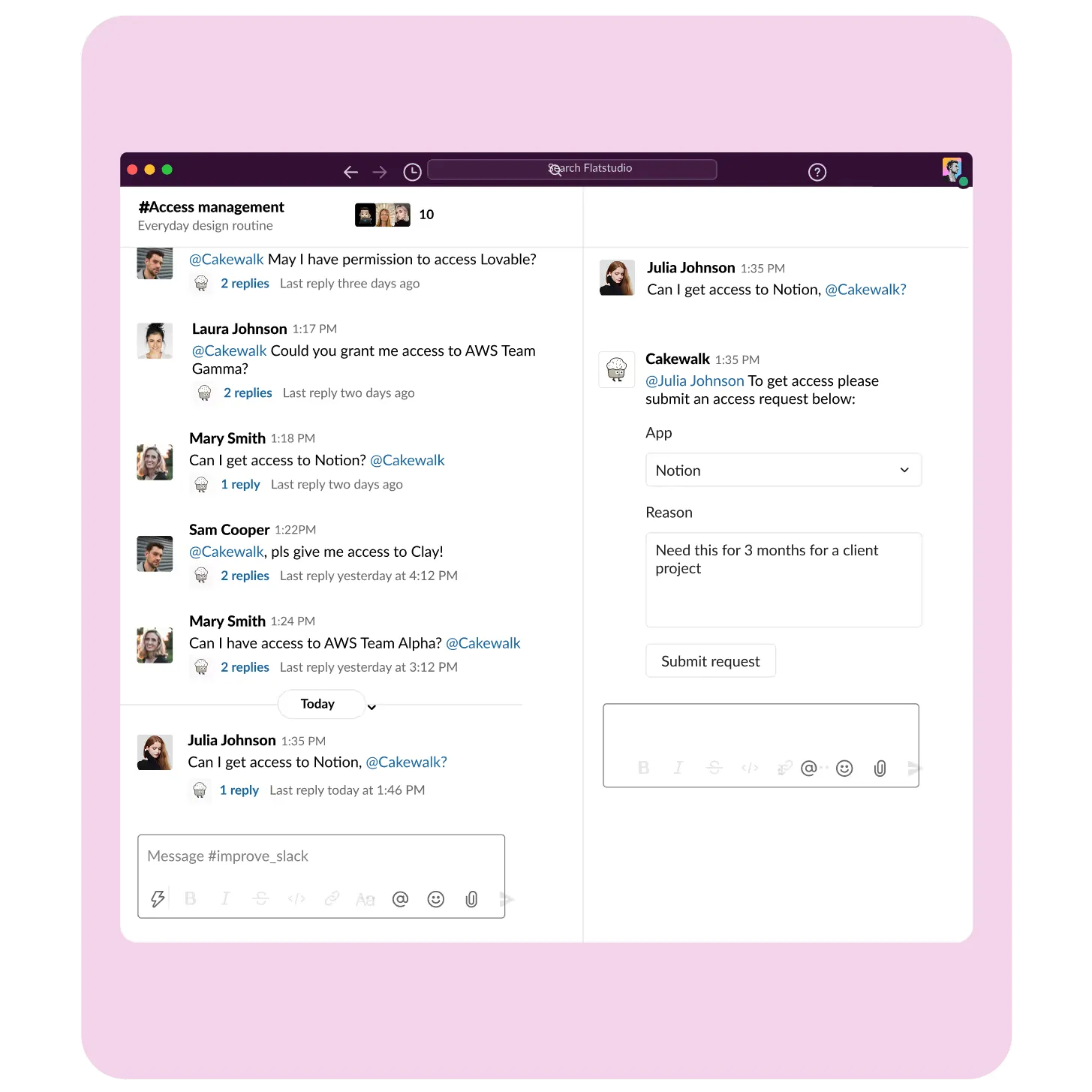
Simply send a message e.g. "@Sofia need access to Figma @Cakewalk."
Find the App Owner.
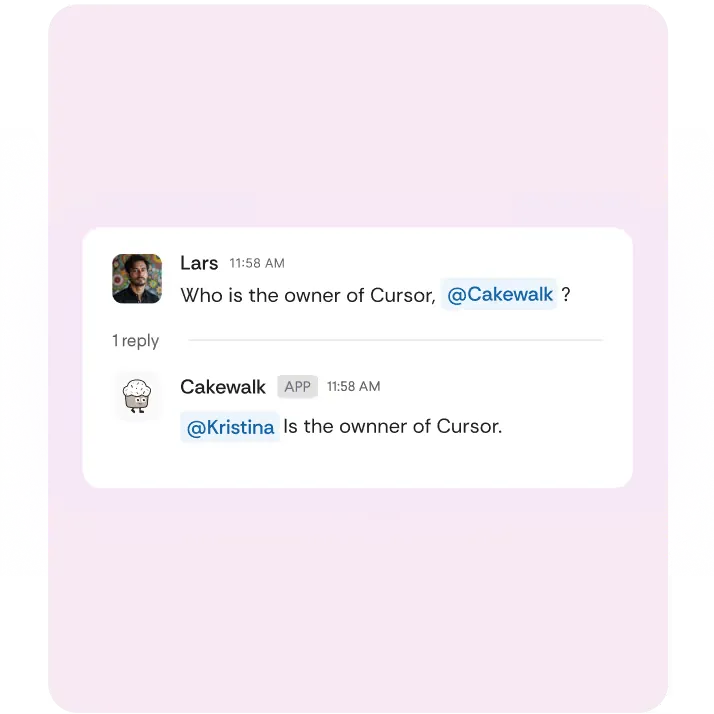
Simply send a message e.g. "Who is the owner of Miro @Cakewalk?"
Complete Tasks.
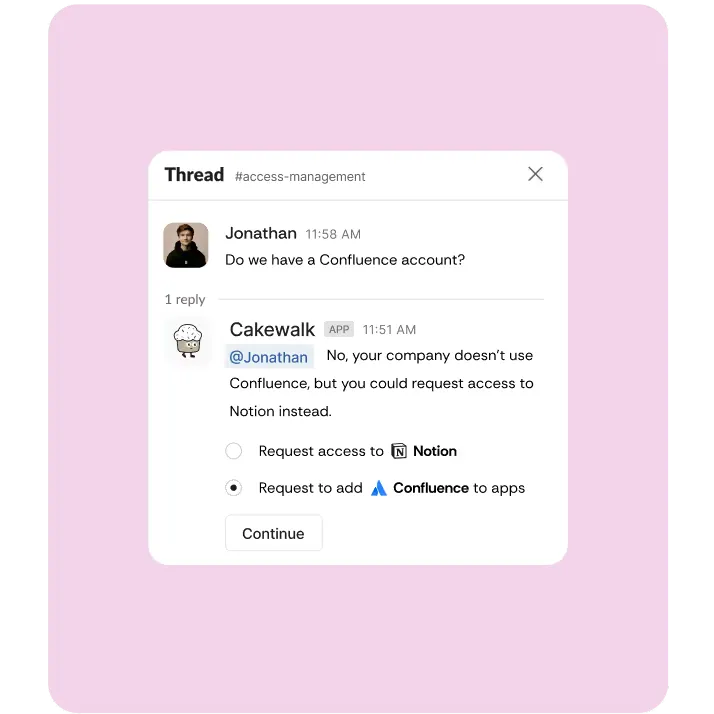
In the Cakewalk app in Slack’s “Apps” section.
The Cakewalk app uses AI. Responses can be inaccurate or incomplete. Review important answers before acting on them. A paid Slack plan is required to chat with the Cakewalk app in Slack's AI agent container. Other Cakewalk features still work on free Slack plans.